
ORGANIZE / CONNECTED KNOWLEDGE
A place for every record.
A path to every answer.
A structured, searchable library for your engineering, operations, and compliance records.
5 sample records
No records match. Try another term or clear the filters.
SELECTED RECORD
- Asset
- Year
- Record type
Interactive library sample. Search, filter, and select a record to explore its metadata. These are illustrative records, separate from any live SharePoint system.
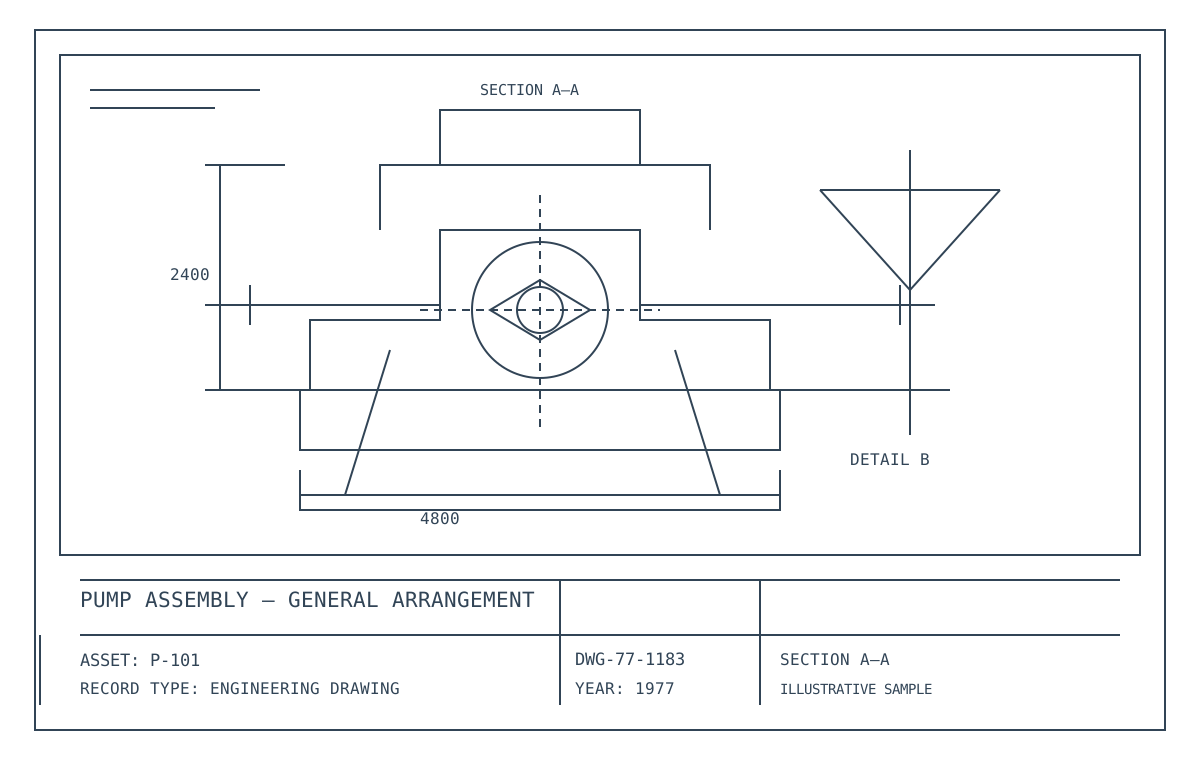
P-101 · General arrangement · 1977
Illustrative record
MORE THAN A FILE NAME
Context makes
knowledge useful.
Every document is enriched with metadata, linked to assets, and organized in context—so you can quickly find what you need and understand how it fits.
✓ Asset-linked metadata
✓ Multiple record types
✓ Intelligent tagging
✓ Related document discovery
SEARCH / FILTER / UNDERSTAND
Find the right record, faster.
Search across the library, then narrow the results by asset and record type. Select a document to inspect its metadata and description.
THREE PILLARS OF ORGANIZATION
A library built around how you work.
Document classes
Custom SharePoint content types define the metadata that applies to each document type. Consistent schemas make records searchable and filterable.
Information architecture
Sites, libraries, navigation, and folders give documents a logical home. Permissions and governance are designed alongside the structure.
The ExtractIQ Recognition Engine
Complementary recognition methods classify and enrich records: zonal recognition, content recognition, system recognition, database recognition, and application recognition.
Built on Microsoft SharePoint
Configured content types, metadata columns, views, and permissions turn SharePoint into a purpose-built digital library. Your assessment confirms the project scope, platform requirements, and licensing arrangements.
THE NEXT CHAPTER STARTS HERE
Give your records a clearer structure.
Let’s explore the document types, metadata, and library your team needs.
Start with a conversation about your records and your goals.